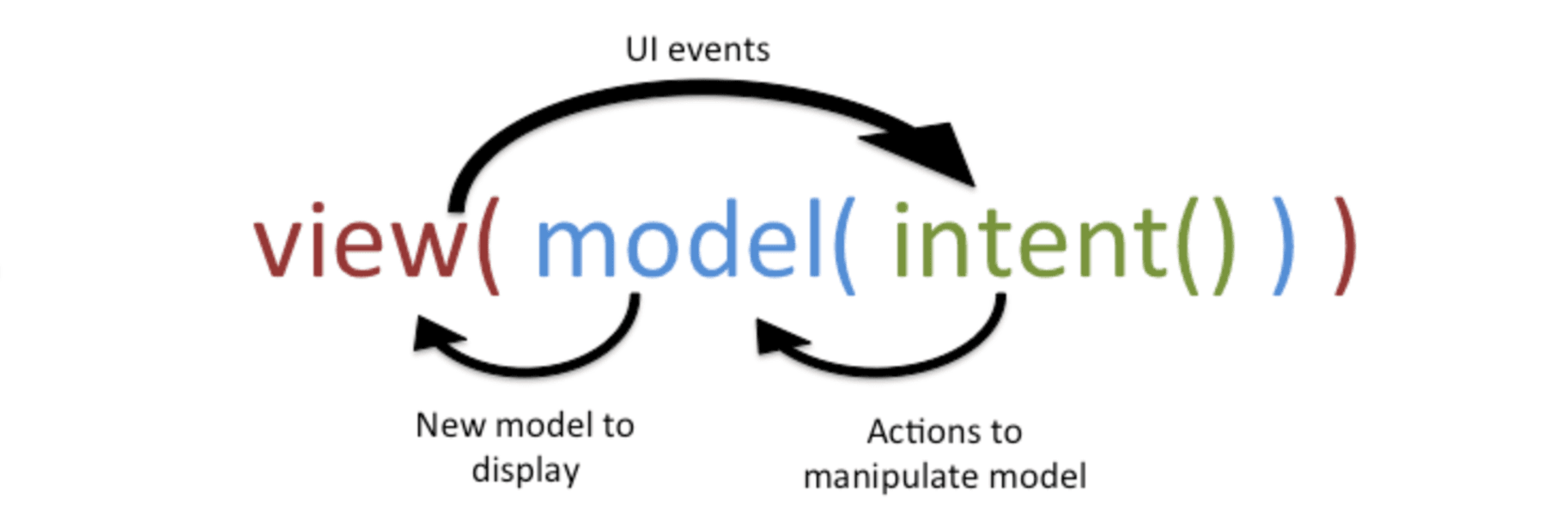
Take Control of Linear gradient with positions array
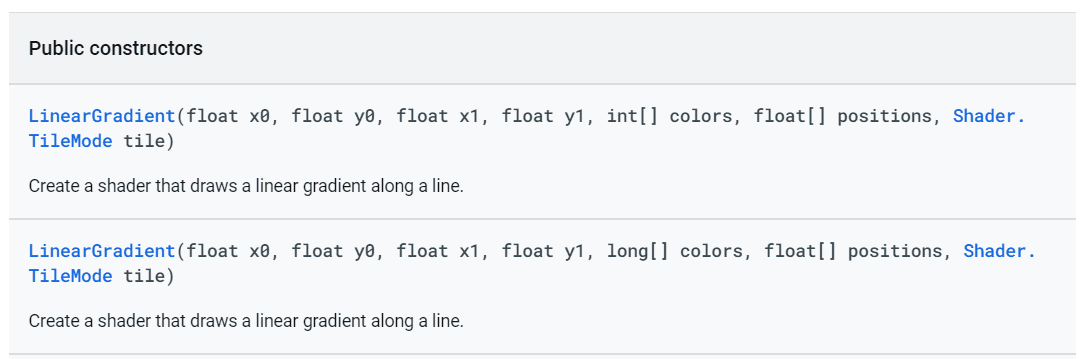
Applying gradient through XML, has a limitation on number of colors to three, and the position of colors like startColor,centerColor and endColor, whereas with LinearGradient object applied to a shader for Paint in a canvas, we can overcome them.
Let’s see how what can we do with it.
In canvas, a Paint object takes a shader/gradient for applying multiple colors [colors array].
Here’s the Api of LinearGradient from android.graphics package:
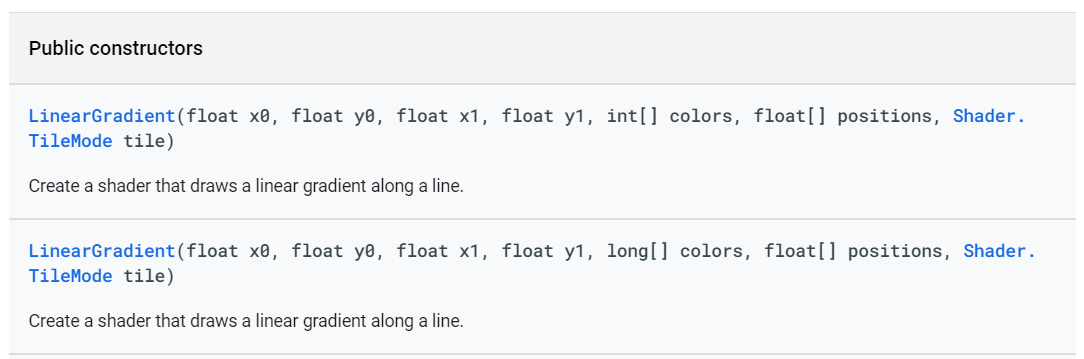

A linear gradient object takes a nullable array.
The topic under discussion here is the “positions” array.
If one specifies null for positions, the colors are evenly distributed [linear growth of gradient] along the length of the gradient as show below:

The above effect is achieved using 4 colors used as gradient, and with null passed as argument for positions. If you closely observe, each color has got equal portion, here 25% of length, along the rect Here's the code for it:
class CustomView @JvmOverloads constructor(
    context: Context, attrs: AttributeSet? = null,
    defStyleAttr: Int = 0
) : View(context, attrs, defStyleAttr) {
    private val trackHeight=50f
    // set left, top, right, bottom positions/bounds of the rectangle
    private val rect=RectF(100f,100f,600f,150f)
    private val paint = Paint(Paint.ANTI_ALIAS_FLAG).apply {
        strokeWidth = trackHeight
    }
    private val colorsArray =
        intArrayOf(Color.RED, Color.BLUE, Color.YELLOW,
            Color.parseColor("#FFA500"))// orange color hex code

    // apply gradient from left to right of the rectangle along X axis , from top to bottom along Y axis
    private val paintShader = LinearGradient(
        rect.left,
        rect.top,
        rect.right,
        rect.bottom,
        colorsArray,
        null,//evenly distribute colors along the whole length of gradient
        Shader.TileMode.CLAMP
    )
Now, what if we need to specify which color should occupy how much portion of the available space i.e. distribution of colors? / non-linear growth of gradient? Here's the position values array comes into play.
Suppose, I want red color to have 60% of length from starting X co-ordinate, then blue color to have next 10% of space from previous color's ending X co-ordinate, then yellow color to occupy next 15% of space and then Orange color to have 15% of the next space till the end, this is how you specify the positions array:
private val colorsArray =
        intArrayOf(Color.RED, Color.BLUE, Color.YELLOW,
            Color.parseColor("#FFA500"))// orange color hex code

 private val colorPositions= floatArrayOf(0.6f,0.7f,0.85f,1f)
Note: No of Colors in colorsArray and values in positions array must be of equal length, increasing in value and only even no of entries in both of them. [can't specify 1, or 3 or so on no of colors in odd no entries]
Non conforming to the above requirement throws an exception!
Let's pass colorPositions to LinearGradient as shader to paint instead of null as follows:
// apply gradient from left to right of the rectangle along X axis , from top to bottom along Y axis
    private val paintShader = LinearGradient(
        rect.left,
        rect.top,
        rect.right,
        rect.bottom,
        colorsArray,
        colorPositions,// distribution of colors along the length of gradient.
        Shader.TileMode.CLAMP
    )
This is what you would notice:

Also, instead of using multiple colors, we can use a multiple opacity values for a single color code.
In this case too, if you pass null, you'd get even distribution of colors. But for requirement having non-linear growth of the opacity of a single color you can specify the positions array with the requirement.
Here's how we would do it:
//pink color, also show with two colors too.
    private val singleColorWithVaryingOpacitiesArray = intArrayOf(
        Color.parseColor("#00BF6793"),//pink with 0% opacity
        Color.parseColor("#CCBF6793"),//pink with 80% opacity
        Color.parseColor("#FFBF6793")//pink with 100% opacity
    )
    private val colorPositions= floatArrayOf(0.6f,0.9f,1f)

    // apply gradient from left to right of the rectangle along X axis , from top to bottom along Y axis
    private val paintShader = LinearGradient(
        rect.left,
        rect.top,
        rect.right,
        rect.bottom,
        singleColorWithVaryingOpacitiesArray,
        colorPositions,// distribution of colors along the length of gradient.
        Shader.TileMode.CLAMP
    )
    override fun onDraw(canvas: Canvas?) {
        super.onDraw(canvas)
        canvas?.drawRect(rect, paint.apply {
            color = Color.BLACK
        })

            canvas?.drawRect(rect, paint.apply {
            shader = paintShader
       // Used blending with porter-duff mode so that underlying rectangle's black color is visible for
      //portion having for 0% opacity values
            xfermode = PorterDuffXfermode(PorterDuff.Mode.SRC_OVER)
        })
Had we passed null, the output would be like:
 and if we passed positions with requirement : like till 60% of space from starting X co-ordinate has 0% opacity(not visible), followed by 80% opacity till next 30% of space, and the 100% opacity(fully visible) for remaining 10% of space or till the end, the output would have been: